Verify the new Okta configuration
Once you’ve successfully created and configured your SAML application, you should see the application appear in your Okta homepage.
To verify that your new SAML application is properly configured in Okta, perform the following steps:
-
Log in to Okta using your new credentials.
-
When the Okta home page loads, your newly configured SAML application should appear in the applications list.
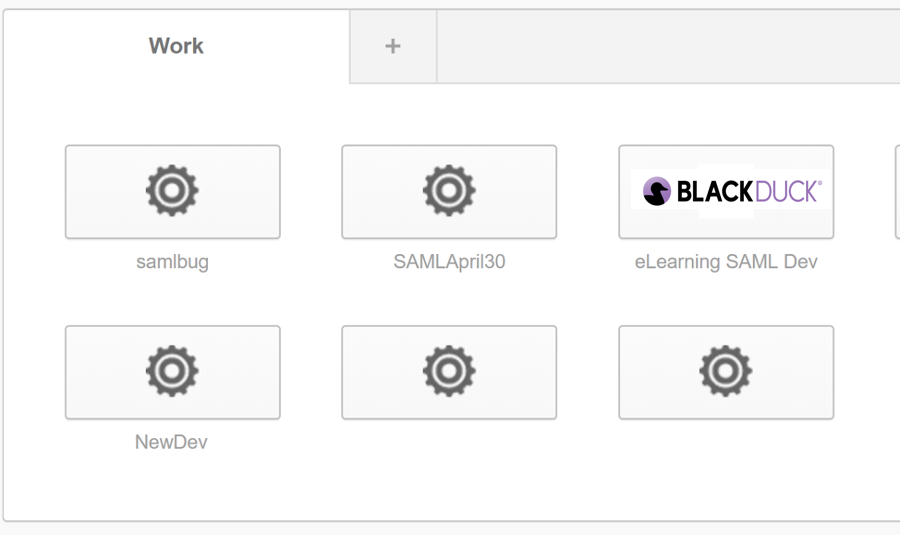
Okta homepage
SSO is now enabled for your organization. New and existing users on the Managed Services Platform can now use SSO to log in, as long as their user email address matches an email address with your IdP, and the user has been assigned your SAML application.
Parent topic:Configure the Identity Provider (IdP)