Generate a REST API Token
Use the Managed Services Platform Web interface to generate a REST API key.
To generate an API key you must have Generate Token permission.
-
Log in to the Managed Services Platform.
-
From the
<*user name*>menu, choose My Profile. -
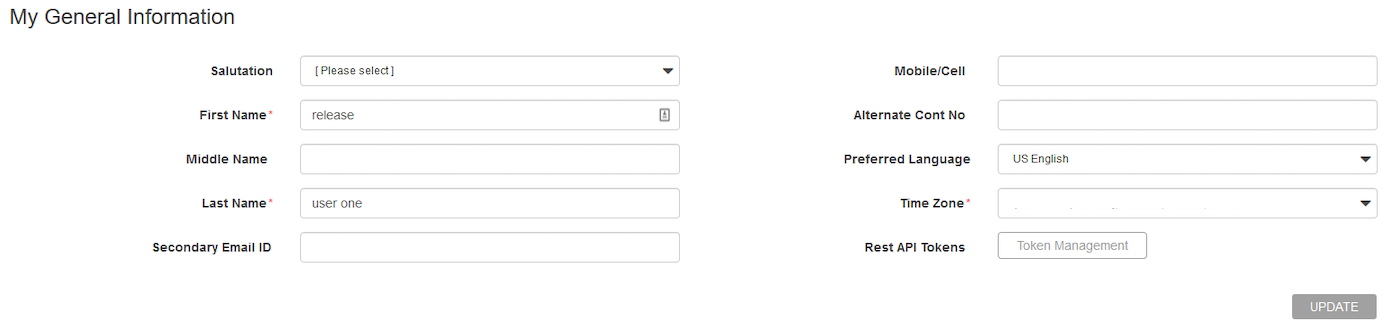
On the MY PROFILE page, find the REST API Tokens field and then click Token Management.
-
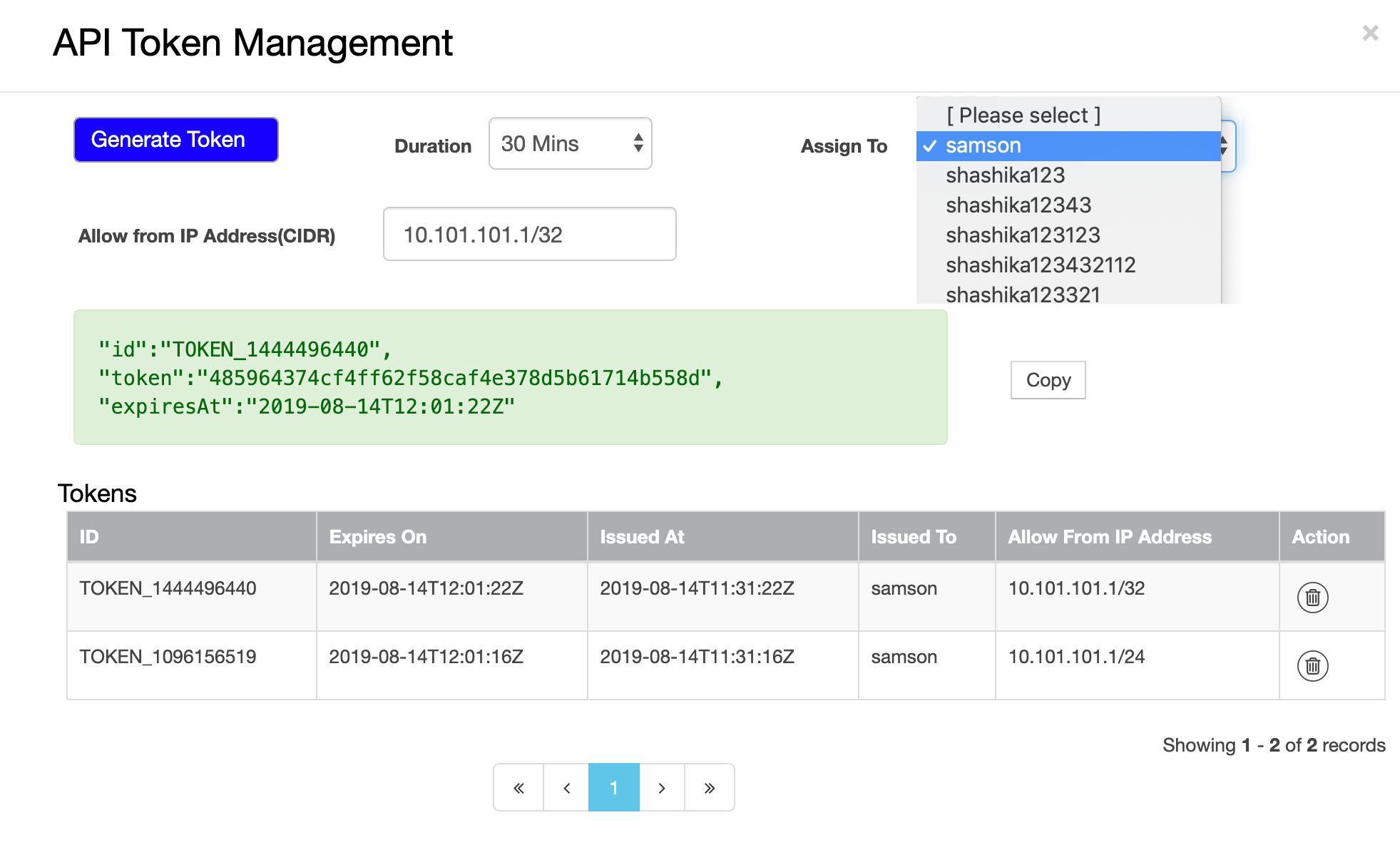
In the API TOKEN MANAGEMENT dialog box, set the Duration field to the length of time that the token should remain active.
-
Assign the token to a given user.
-
In the Allow from IP Address (CIDR) field, enter an IP address, or a range of IP addresses, for which this token will be valid.
If you do not want to restrict the addresses from which the token can be used, leave this field blank.
-
Click GENERATE TOKEN.
-
Click Copy to copy the key value for use in your calls to the MSP API.
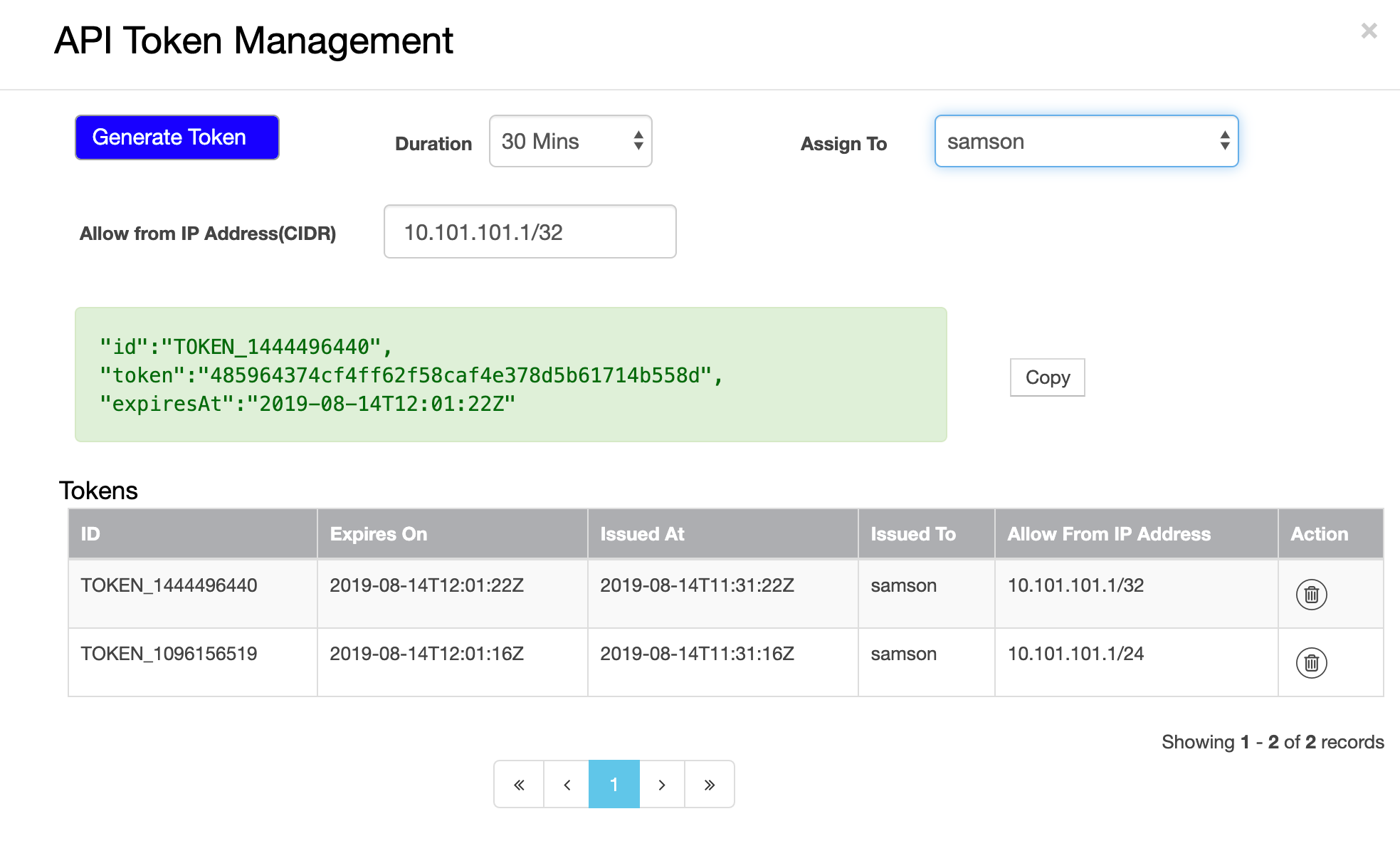
Note: By clicking the delete token button, the selected token gets revoked. See "Revoke an Access Token" for more information.
Parent topic:Authenticate a Request