Point of Contact Information
The lower part of the Schedule page shows a form for specifying Point of Contact (POC) information. This section is the same for all target types.

If the test's Deployment Type is Production (as opposed to Staging/Testing), you must specify at least one point of contact.
To add a point of contact, click Add more, and then fill out the form that appears.
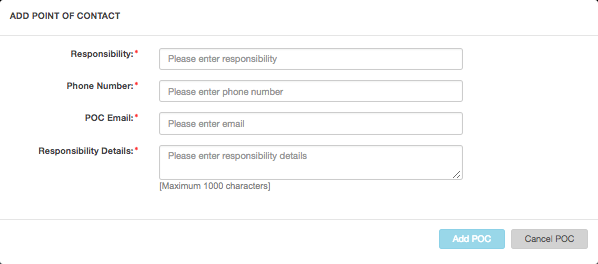
You can add as many points of contact as you wish.
Individuals with a Required check box listed next to their name will receive an email that asks for approval to begin testing on the Production system. Until that Point of Contact provides approval, a red dot appears next to the test in the Upcoming Tests section of the Test Info page. Once the Point of Contact (POC) provides approval, the dot color changes to green.
We recommend that you only designate one Required POC.
Note: After you schedule a test, you can change the POC's information at any time before the test completes.
Parent topic:Test Schedules and Scheduling Form