Reactivating an Identity Provider (IdP)
You can reactivate a deactivated identity provider from the ADMIN panel.
To reactive an identity provider, perform the following steps:
-
Navigate to the ADMIN > ID Providers page. A list of ID Providers should display.
-
Locate the ID provider that you want to reactivate, and click the Update IdP icon.
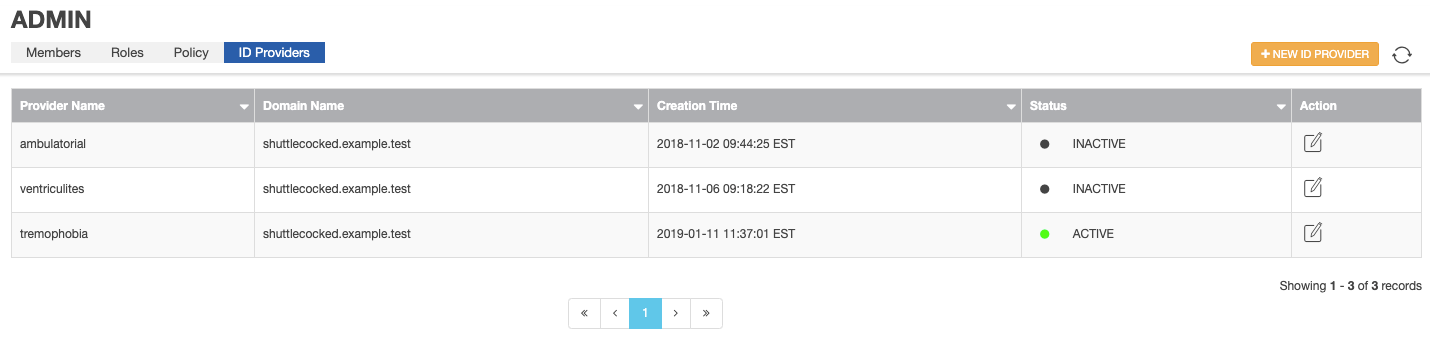

Update IdP icon
The SSO PROVIDER INFORMATION form appears.
-
Click ACTIVATE.
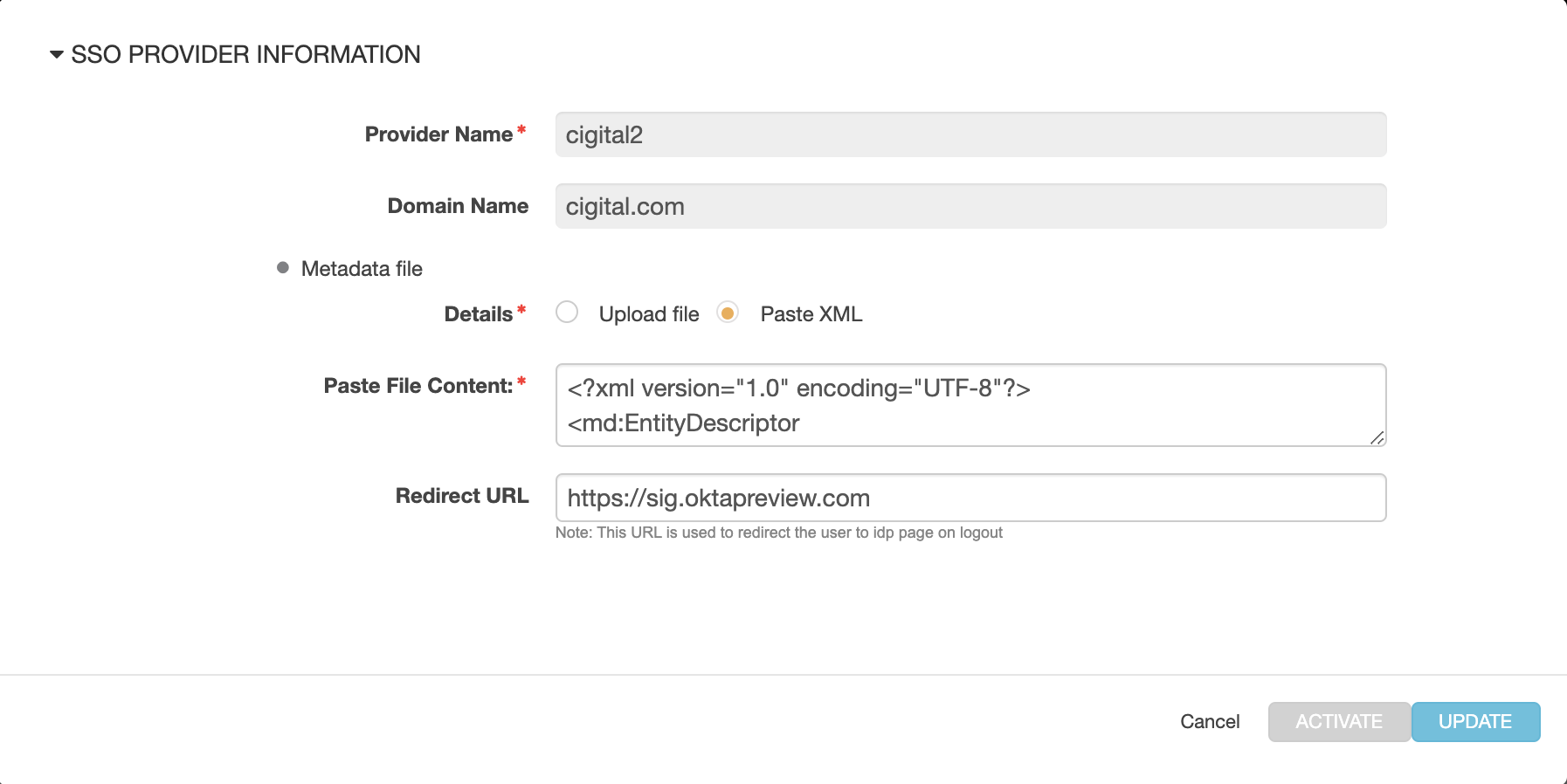
The list of ID Providers now shows the ID Provider as "ACTIVE" once again.
Parent topic:Configuring an Identity Provider (IdP)