Renaming a Service
Renaming a service can make the service easier to find and recognize.
-
Navigate to SERVICE > My Services.
-
In the MY SERVICES table, locate the service.
-
In the Actions column for the service, click the Rename button.
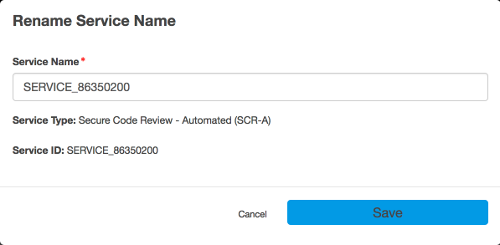
A Rename Service Name dialog appears.
-
In the Service Name field, enter a new name.
-
Click Save.
Parent topic:Prerequisites for Test Scheduling