Begin to set up the SAML application
Here is how to set up a SAML application in Okta.
To set up SAML authentication, the administrator must have access to the OKTA management console.
-
Log in to your Okta organization as a user with administrative privileges.
-
Click the Admin button.

-
Click Applications.

-
Click the Add Application shortcut.

-
Click Create New App.

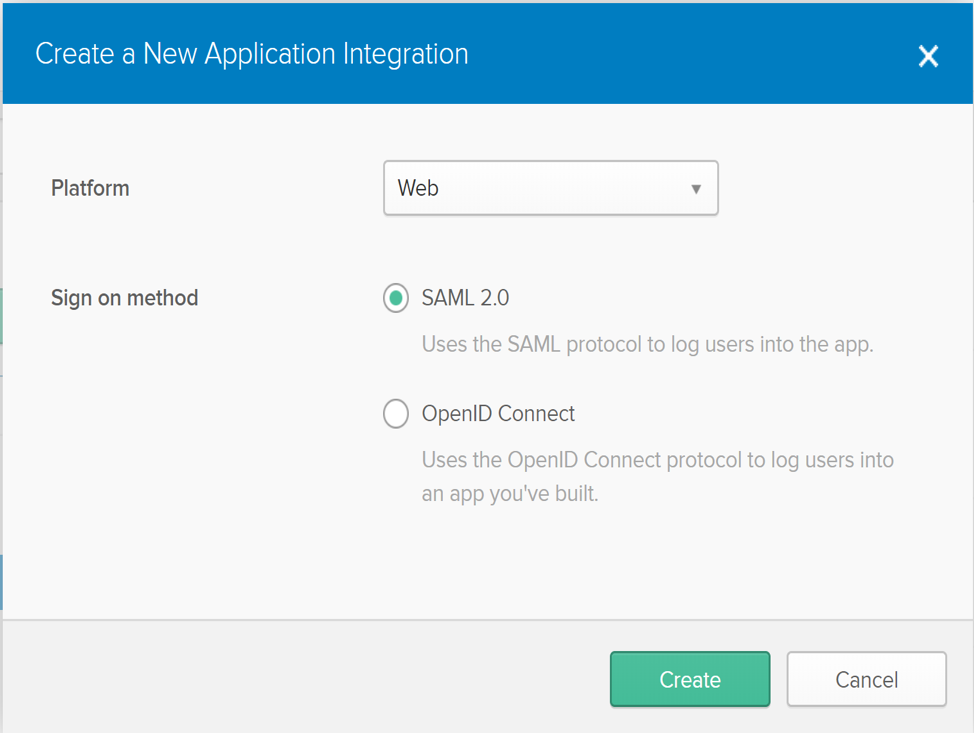
Okta opens a dialog titled Create a New Application Integration.
-
In the dialog, click to choose the SAML 2.0 option, and then click Create.
Parent topic:In Okta, configure Single Sign-on