Target Descriptions and Details
You can find target descriptions on the TARGET panel.
To view a target's details, you must have administrator privileges.
-
Navigate to the TARGET panel > Targets page.
-
In the list of targets, click the row for any target.
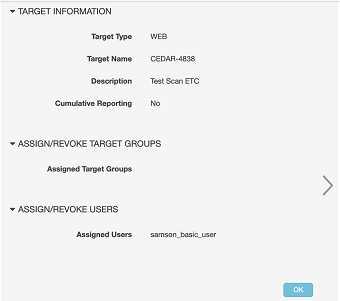
This opens a panel on the right side of the Targets page, which shows detailed information about the target.
Parent topic:Test Targets