Updating an Identity Provider (IdP)
You can update the XML metadata for an ID provider from the ADMIN panel.
To update the XML metadata for an IdP, perform the following steps:
-
Navigate to the ADMIN > ID Providers page. A list of ID Providers should display.
-
For the ID Povider that you want to update, click the Update IdP icon.
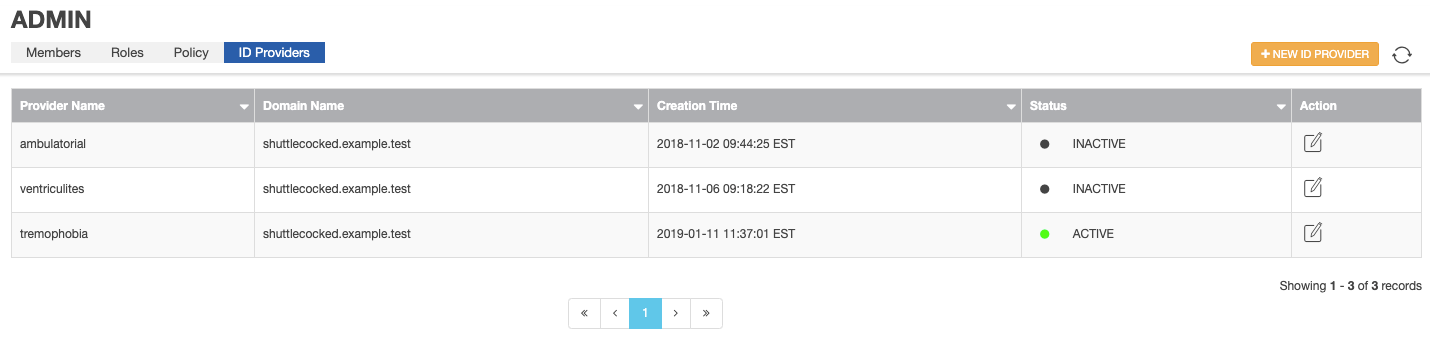

Update IdP icon
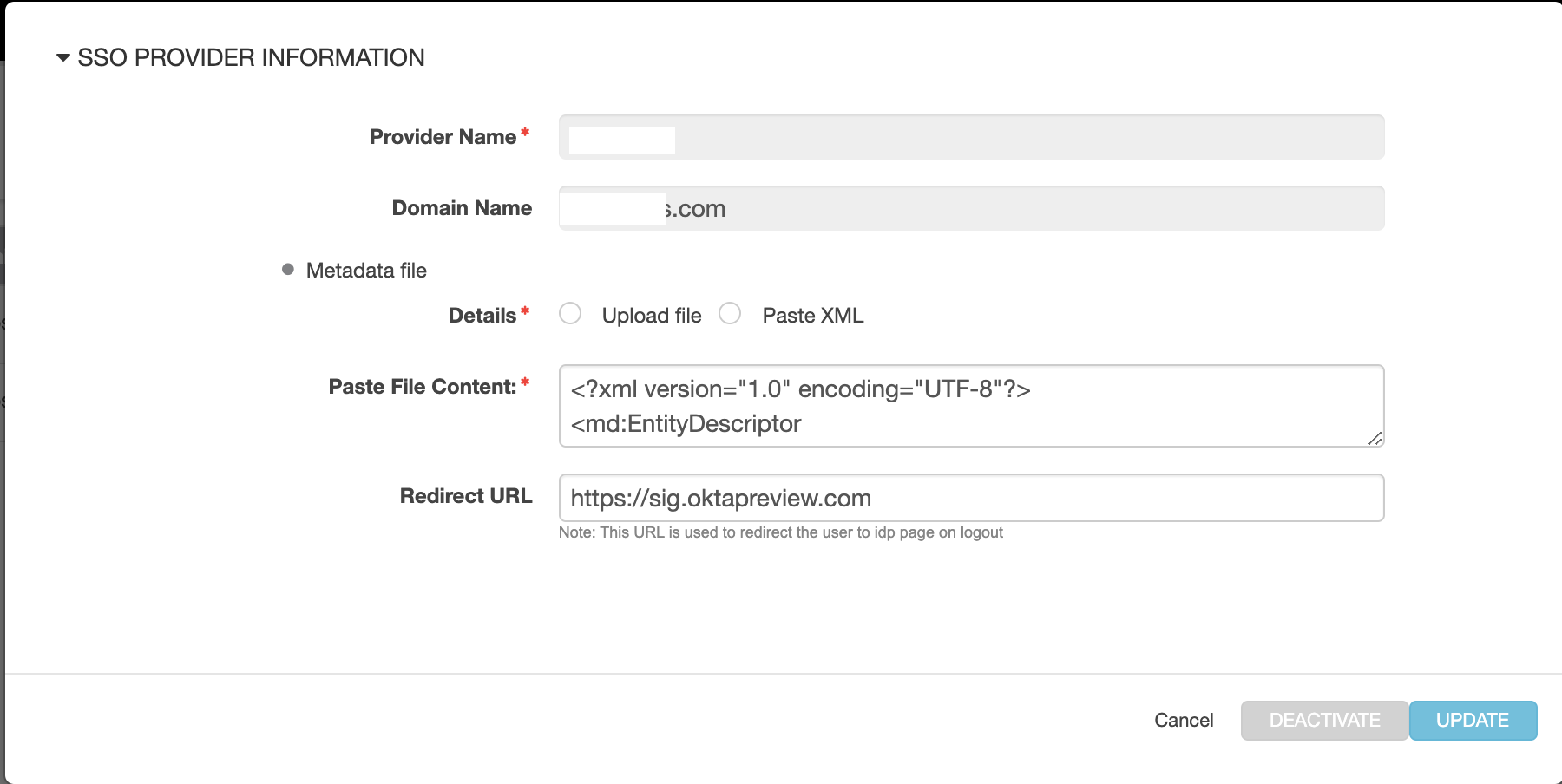
The SSO PROVIDER INFORMATION form appears.
-
Use Upload file or Paste XML to update the XML metadata for this provider.
Note: When you open the SSO PROVIDER INFORMATION form by clicking Update IdP, you cannot change the name of the provider or its domain name.
-
Click Update.
Parent topic:Configuring an Identity Provider (IdP)